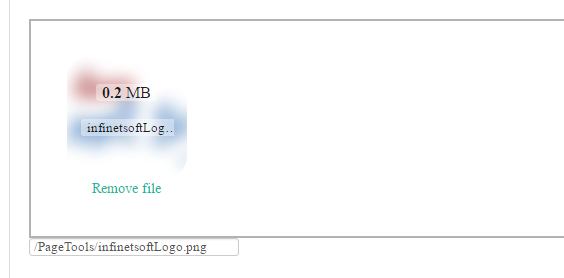
The jQuery file upload plugin Dropzone.js supports maxFiles option. You can set simply desired number for file upload like this maxFiles:1. If you set one, then it will allow one file at a time. Further, you can call maxfilesexceeded function. It will delete the preview of the first file and add the new one.
Dropzon.js example:
<script type="text/javascript">
    $(function () {
        Dropzone.autoDiscover = false;
        $("#dZUpload").dropzone({
            url: "/PageUpload.ashx",
            addRemoveLinks: true,
            maxFiles: 1,
            init: function () {
                this.on("maxfilesexceeded", function (file) {
                    this.removeAllFiles();
                    this.addFile(file);
                });
            },
            success: function (file, response) {
                var fileName = response;
               file.previewElement.classList.add("dz-success");
                console.log("Successfully uploaded :" + fileName);
                           },
            error: function (file, response) {
               file.previewElement.classList.add("dz-error");
            }
        });
    });
</script>
<div id="dZUpload" class="dropzone">
   <div class="dz-defaultdz-message"></div>
</div>
Description: When user drag and drop the file, it will show an image preview about the file on the div class “dz-success”. You can hover on the image and view the file name and size. Here, I have returned the dropzone response file name using console.log, after saving the file into the server.