I got this following error when I try to save an image with an alpha channel (transparency) as a JPEG file. "cannot write mode RGBA as JPEG".
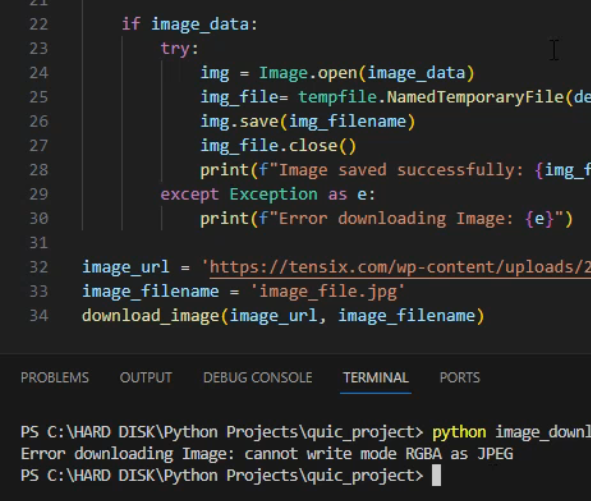
CODE:
 try:
            img = Image.open(image_data)
            img_file= tempfile.NamedTemporaryFile(delete=False, suffix='.jpg')
            img.save(img_filename)
            img_file.close()
            print(f"Image saved successfully: {img_filename}")
        except Exception as e:
            print(f"Error downloading Image: {e}")
SOLUTION:
JPG does not support transparency. To resolve this issue convert RGBA to RGB, after that you will be able to save as JPG.
 try:
            img = Image.open(image_data)
            if img.mode=='RGBA':
                img =img.convert('RGB')
            img_file= tempfile.NamedTemporaryFile(delete=False, suffix='.jpg')
            img.save(img_filename)
            img_file.close()
            print(f"Image saved successfully: {img_filename}")
        except Exception as e:
            print(f"Error downloading Image: {e}")